Cisco Licensing
Licensing was a top company priority. Then its design system was shut down.
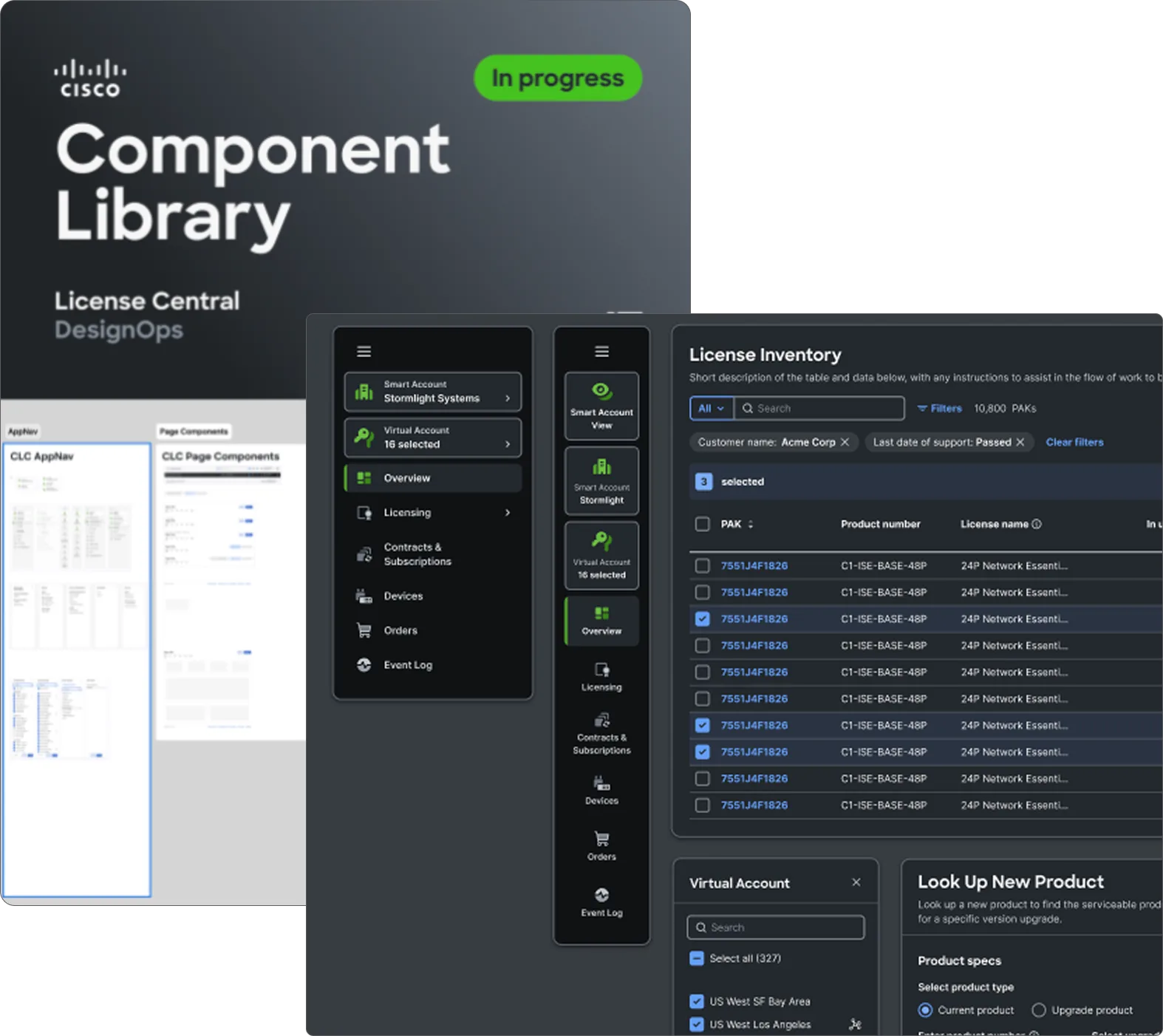
I led the move to Cisco’s Magnetic Design System. I audited the old app, made the case for the switch, redesigned the foundations and brought the whole team along. We delivered all 8 modules in one quarter instead of three.
- +15point NPS lift, the first in over 6 years
- 40%fewer customer support tickets
- 1 qtrto migrate all 8 modules, instead of three
The problem
A pilot with nowhere to go
Licensing Unification was one of Cisco’s top business priorities. Right after the pilot launched, the design system it was built in, Figure 8, was deprecated. The team that maintained it was dissolved and moved to other projects, so Licensing would get no support for future features or components.
The app was also already outgrowing what Figure 8 could do out of the box. It only supported one level of navigation, and we needed three. There was no deep search and no way to switch roles or account types, and complex tables would all have to be custom. That meant more developer time now and more maintenance forever.
My role
Lead for the migration
I owned the design system migration end to end. I audited the old application, redesigned it in Magnetic, taught other designers how to use it and kept product and engineering aligned the whole way.
The decision
Keep building custom on a system no one supports, or switch now and pay the cost up front?
Making the case
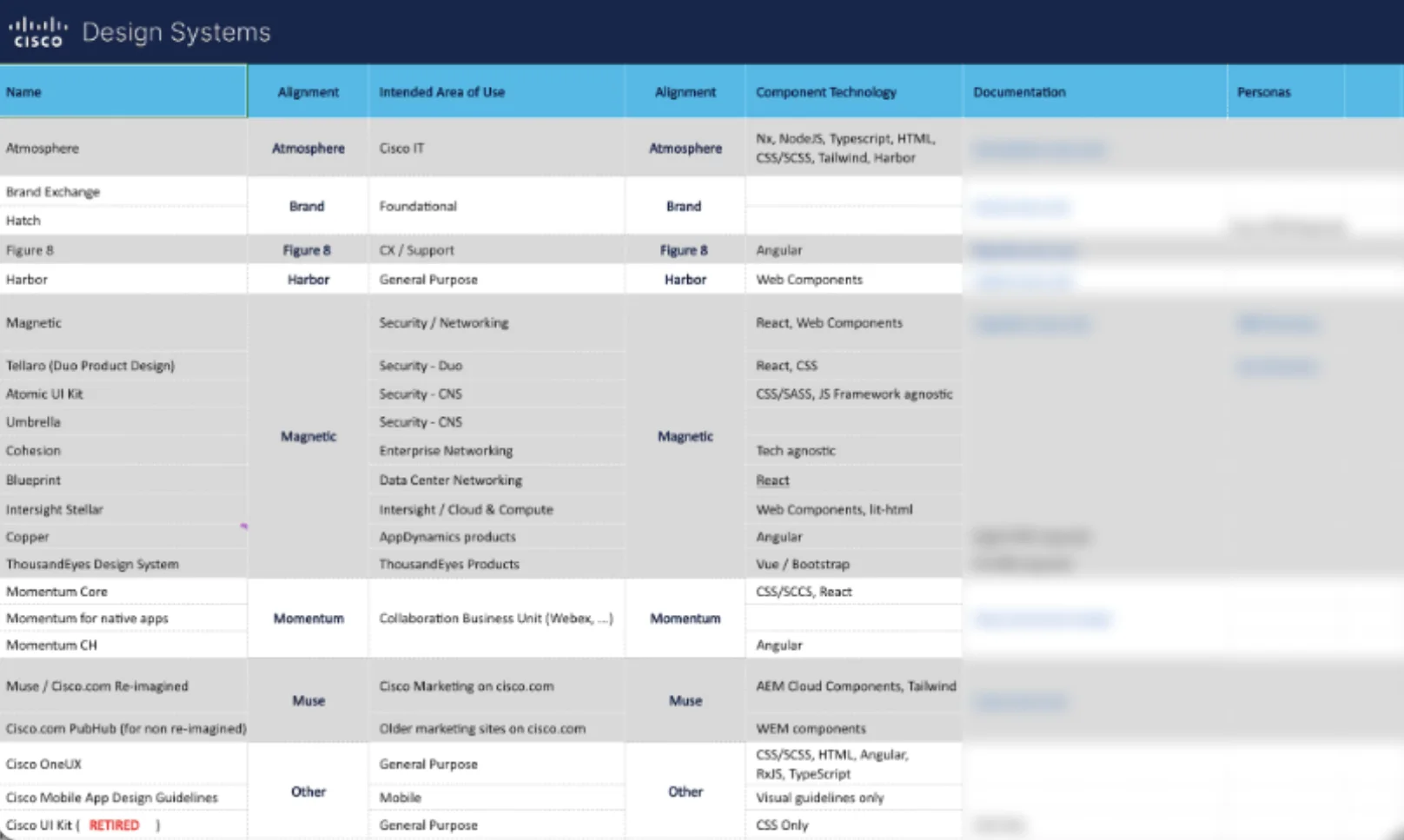
I audited every design system at Cisco
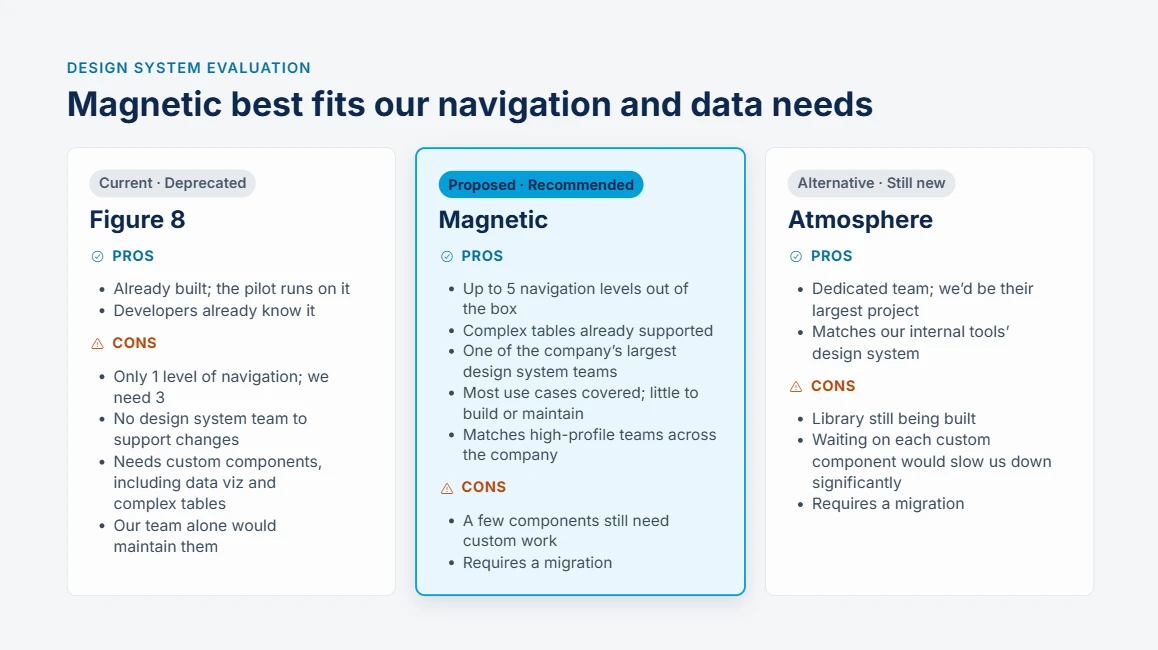
Product had to make a tough call, and I helped them make it. I compared every design system at Cisco, with their pros and cons, and recommended two.
My top pick, Magnetic, covered 80% of our pilot features plus the next two planned quarters. Switching would cost us up front, but it would speed us up afterwards and head off years of design and tech debt. Product agreed to switch.
Tradeoffs
Where to spend our custom effort
We didn’t have the time or the people to build everything exactly the way product wanted. So I picked the three pieces that most needed to be custom. Everything else could be adapted to fit the new system.
-
Search
Users had been asking for it. It let them search for license types across modules.
-
Account switcher
A rare feature where the business and users agreed it was a top priority, so it was a safe place to spend developer time early.
-
Tables
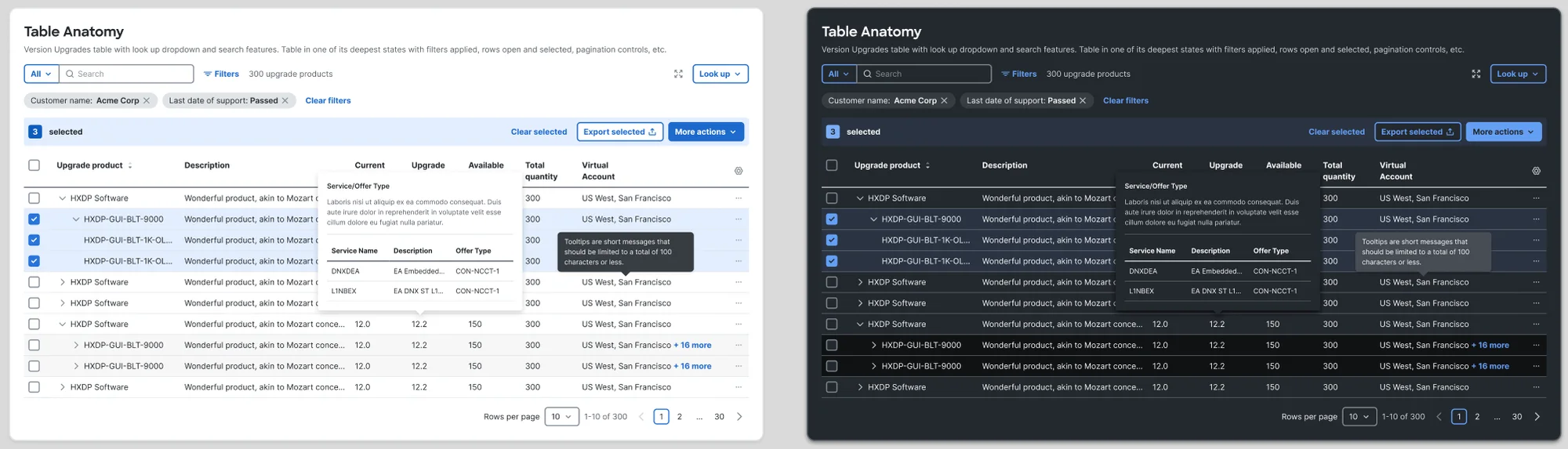
Every module used tables, so one solid component paid off everywhere.
If those three pieces could be custom, everything else could be made to fit.
A new way of working
Foundations first, flows second
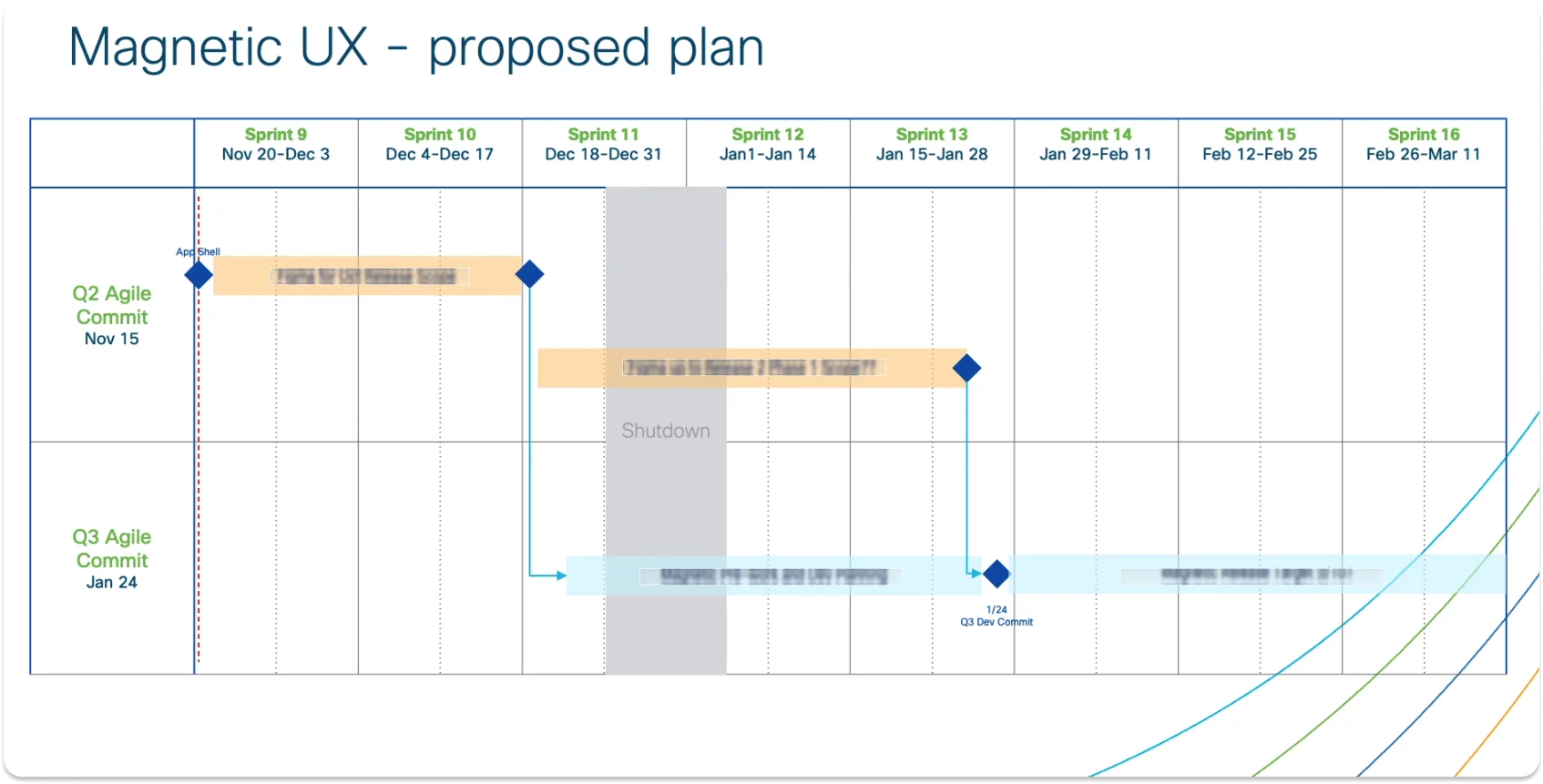
The usual way to migrate was module by module: design each flow, hand it to development, then move on to the next one. That would have taken three quarters.
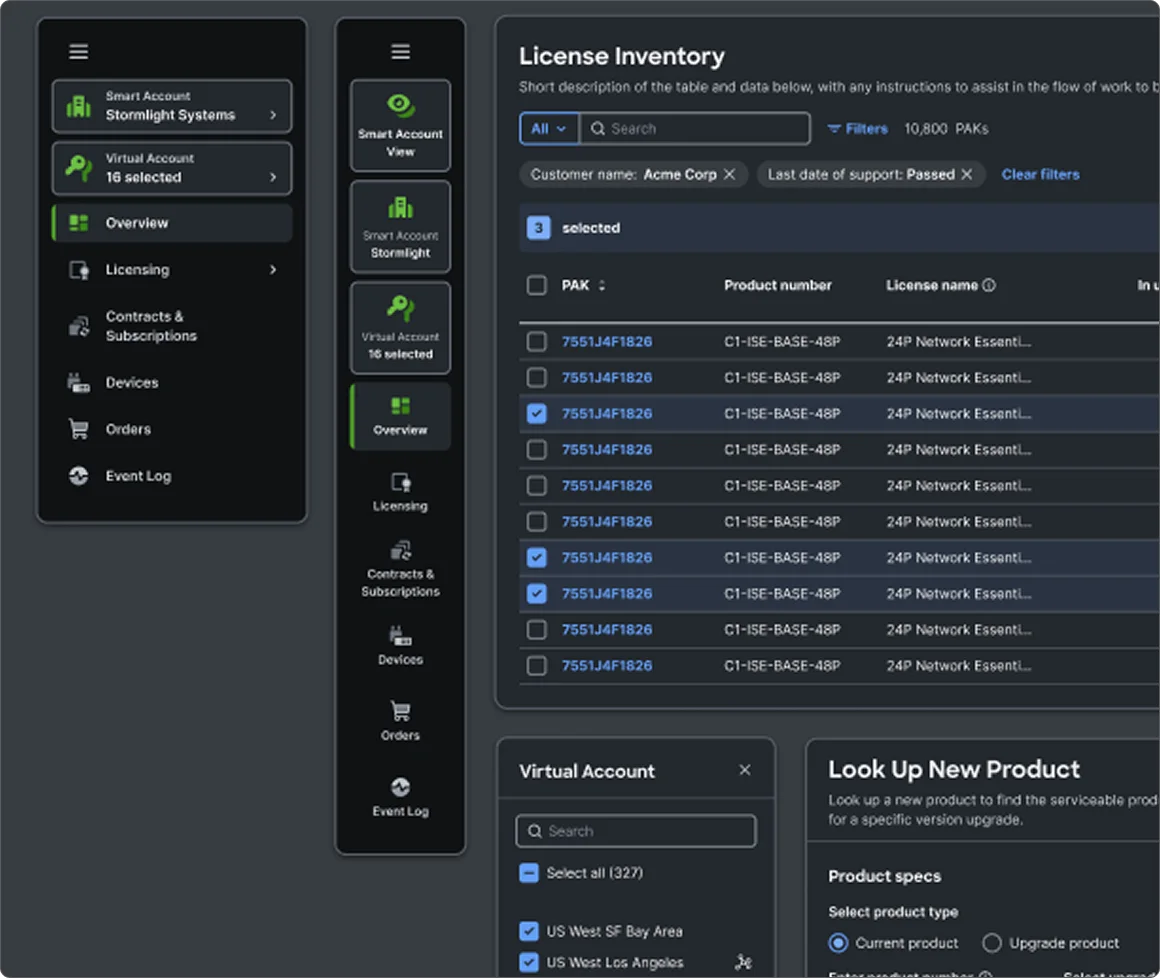
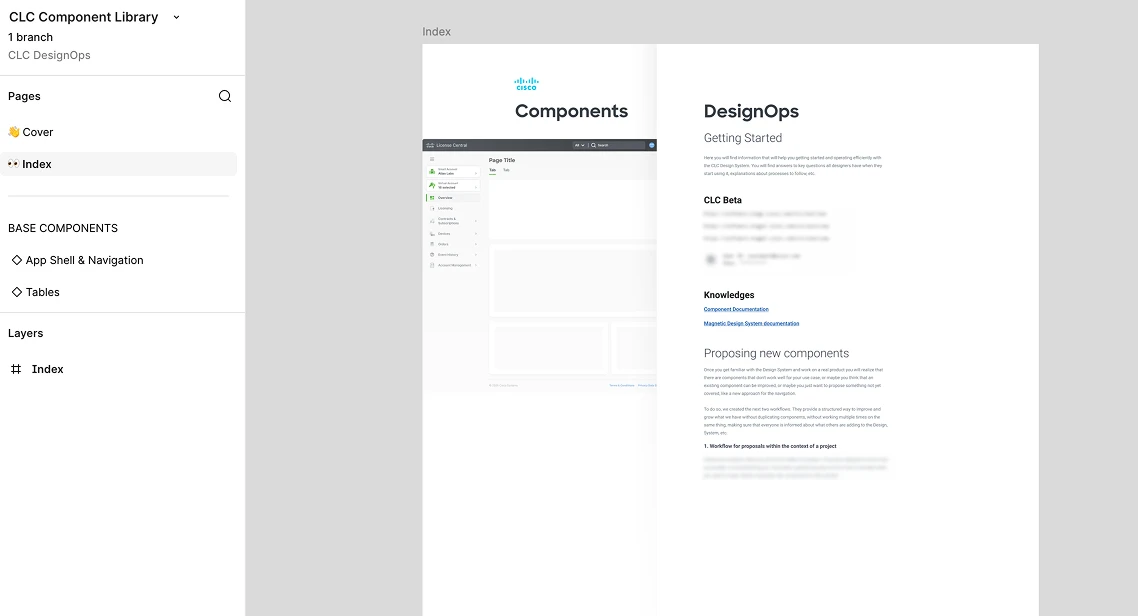
Instead, I designed the reusable pieces first: the app shell, settings pages, tables and cards. These appear on every page and define the visual language of the app. Engineering could start building them right away, and once they existed, mocking up full screens went fast.
Scaling the team
One full-time designer, a rotating crew
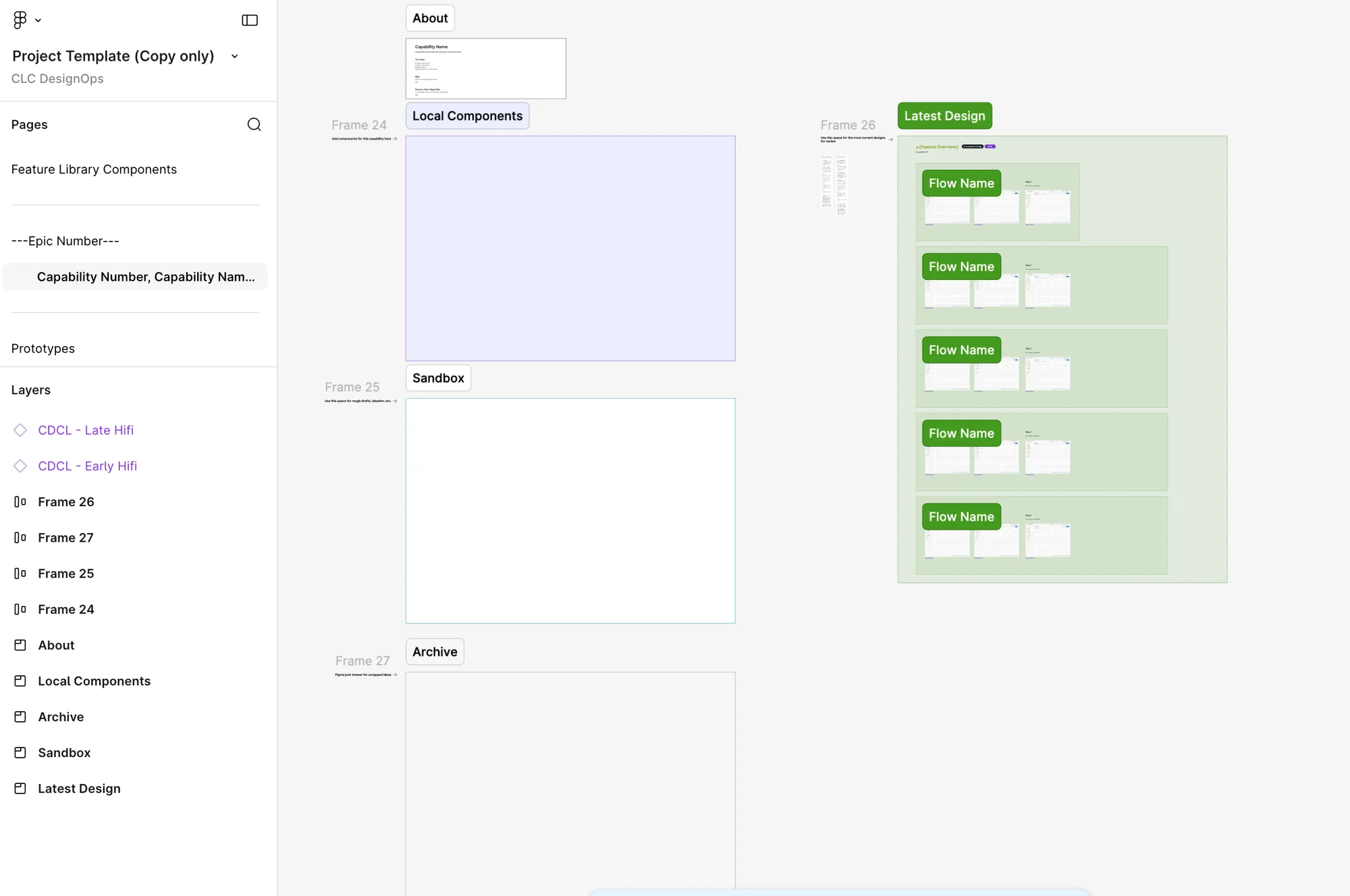
Once the foundations were in place, I could hand flows to a rotating group of designers. I was the only designer assigned full time.
To keep everyone aligned, I:
- ran design reviews twice a week with the full-time team and the rotating designers
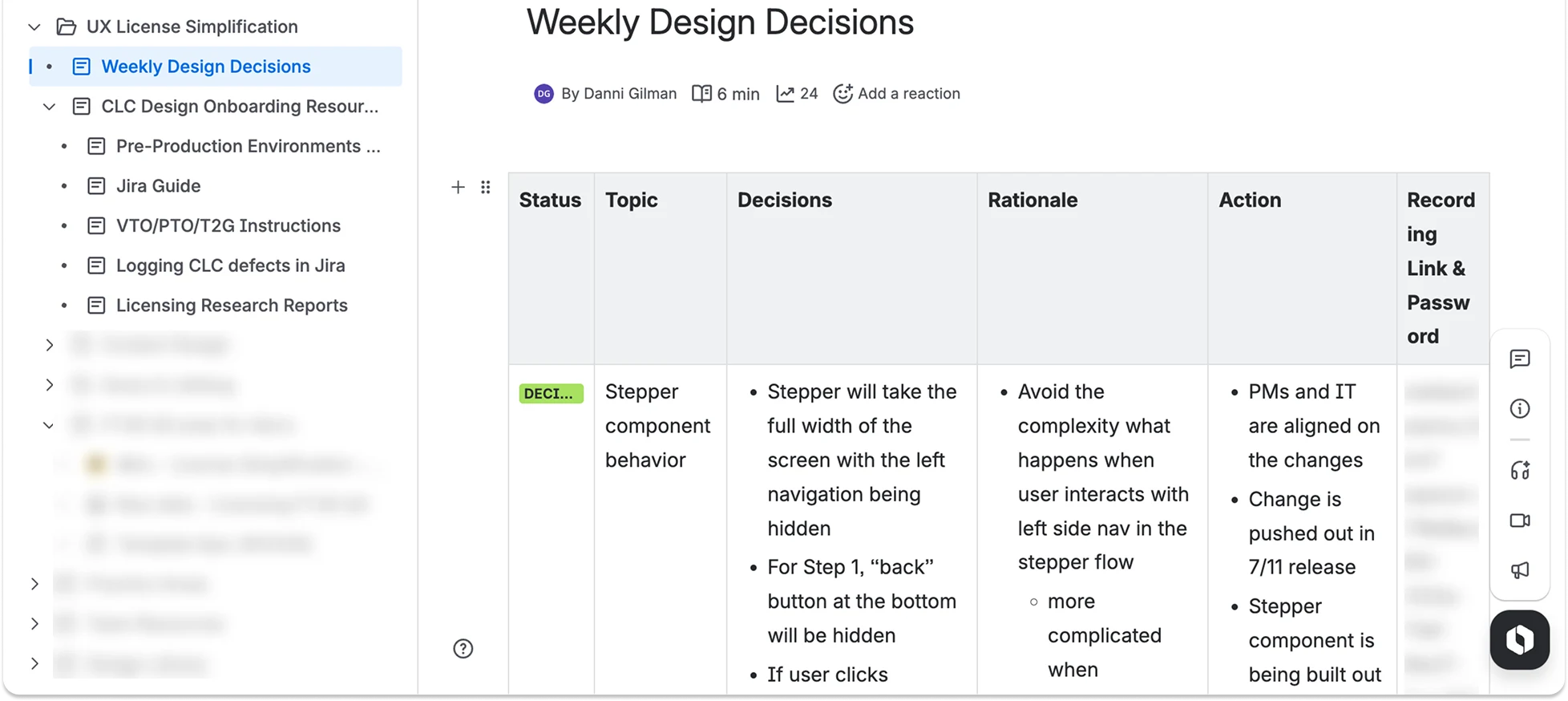
- presented weekly updates to dev and product on what we finished, what it looked like and how to use it
- did roadmap planning with product and gave daily updates
- managed team capacity on a work board, moving work around when someone was overloaded
- ran our Jira boards and all of our retros
Impact
What changed
| Area | Before | After |
|---|---|---|
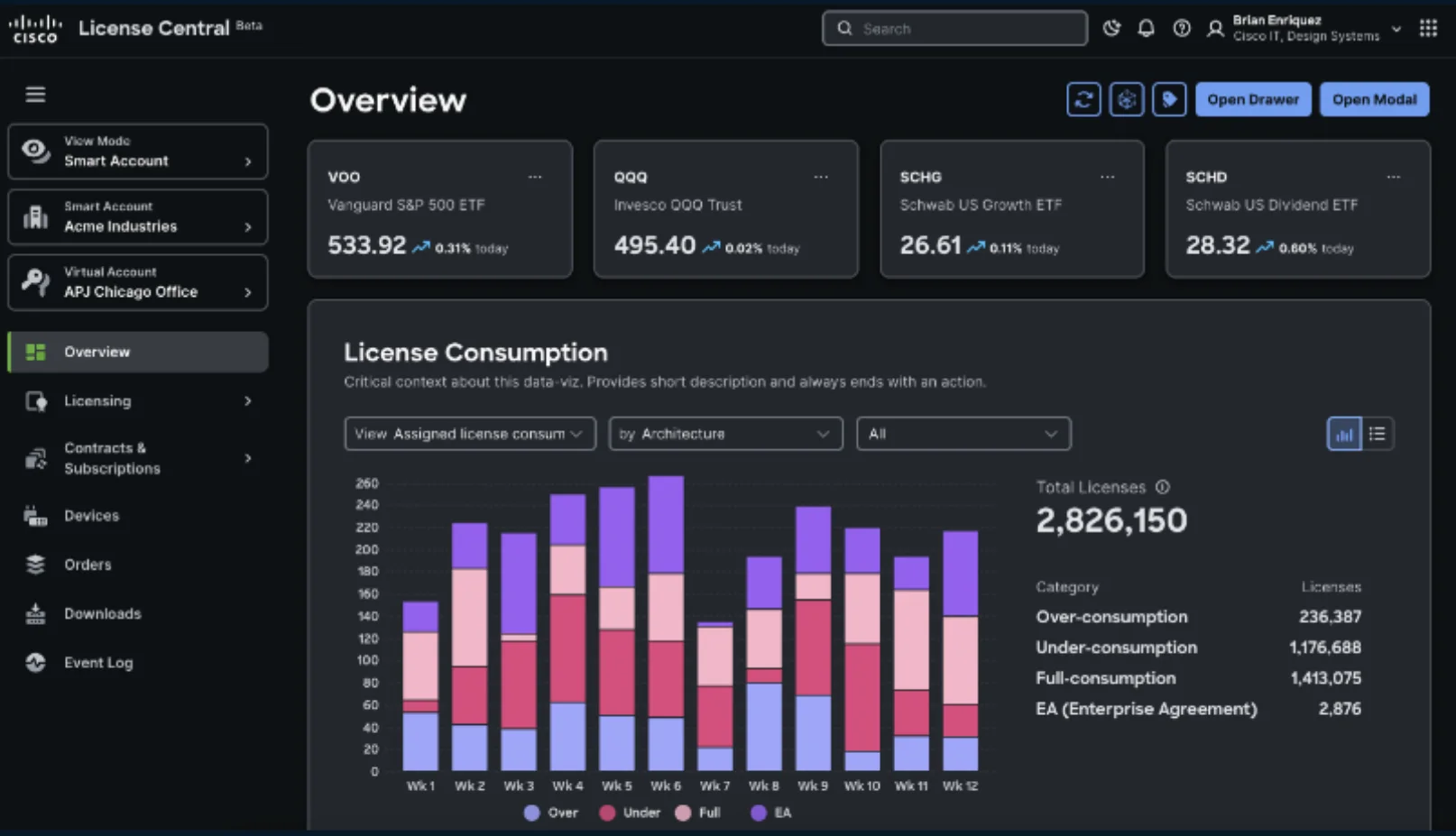
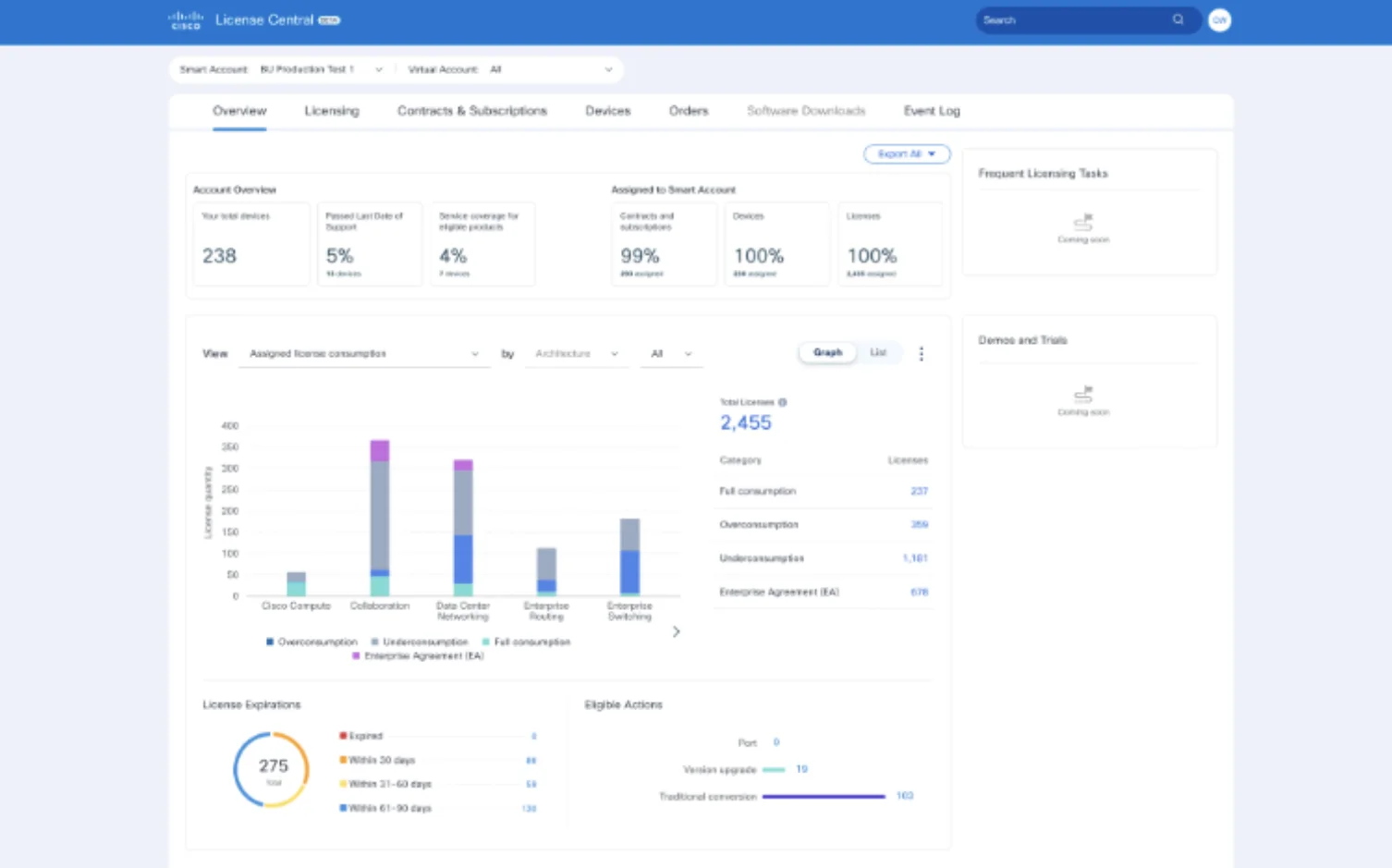
| Design system | Figure 8: deprecated, with no team to support it | Magnetic: actively supported, covering 80% of features for the next two quarters |
| Navigation | One level, when we needed three | A multi-level app shell with account and role switching |
| Search | No deep search | Search for license types across modules |
| Tables | Would have been custom-built for every module | One reusable component, used everywhere |
| Delivery | Module by module, about three quarters | Foundations first: all 8 modules in one quarter |
Results
Licensing’s first NPS lift in over six years
- +15point NPS lift, the first in over 6 years
- 40%fewer customer support tickets
- 35–40features shipped per quarter on the new library
What it led to: finishing in one quarter gave the roadmap two quarters back. Licensing was funded for another year, brought on another contracting team and earned several internal awards (challenge coins).
Reflection
Bringing everyone along
- What worked
Strong, regular communication. Instead of feeling sad about redoing their work, people were excited about the change, and everyone felt supported through the migration.
- What I’d do differently
Build the design system to be AI-ready from the start. I left instructions for adding the metadata and documentation AI tools need, but I’d bake that in from day one.
- What came next
I was brought on as the design strategist for Licensing. I built and maintained the feature design library: stable, scalable enterprise components that became the source of truth for Licensing.
Want the full story? Let’s talk.
I’m happy to walk through the decisions, tradeoffs and messy middle of this project on a call.